Your Beauty,
Your Control.

We respect your privacy. Follow our simple guide to securely delete your Beauty Sync account and all associated data.

Login
Products

How to Delete Your Account

Follow these simple steps directly within the Beauty Sync mobile app.

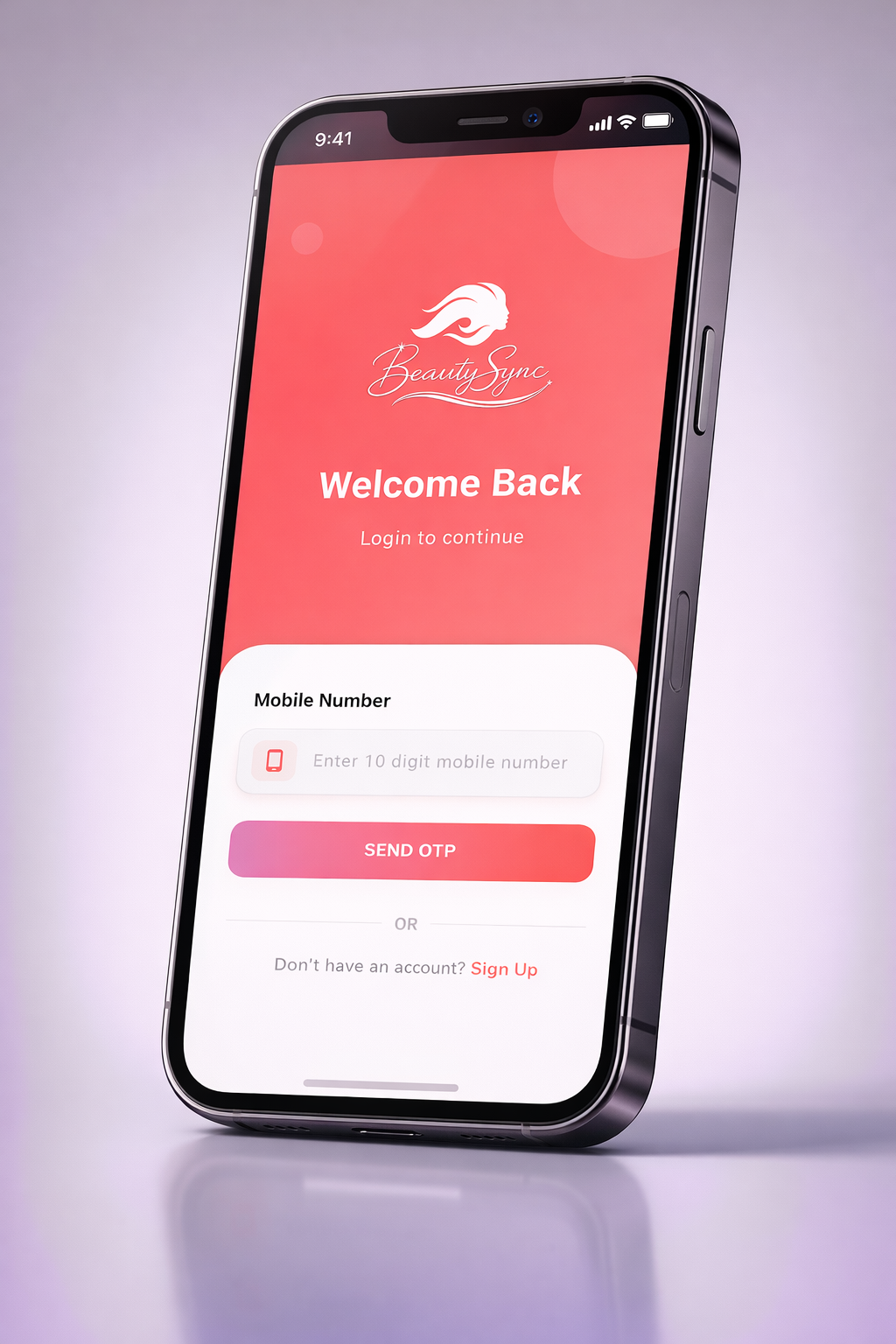
Login Screen
01

Open & Log In

Launch the Beauty Sync app on your device and log in with your registered credentials.

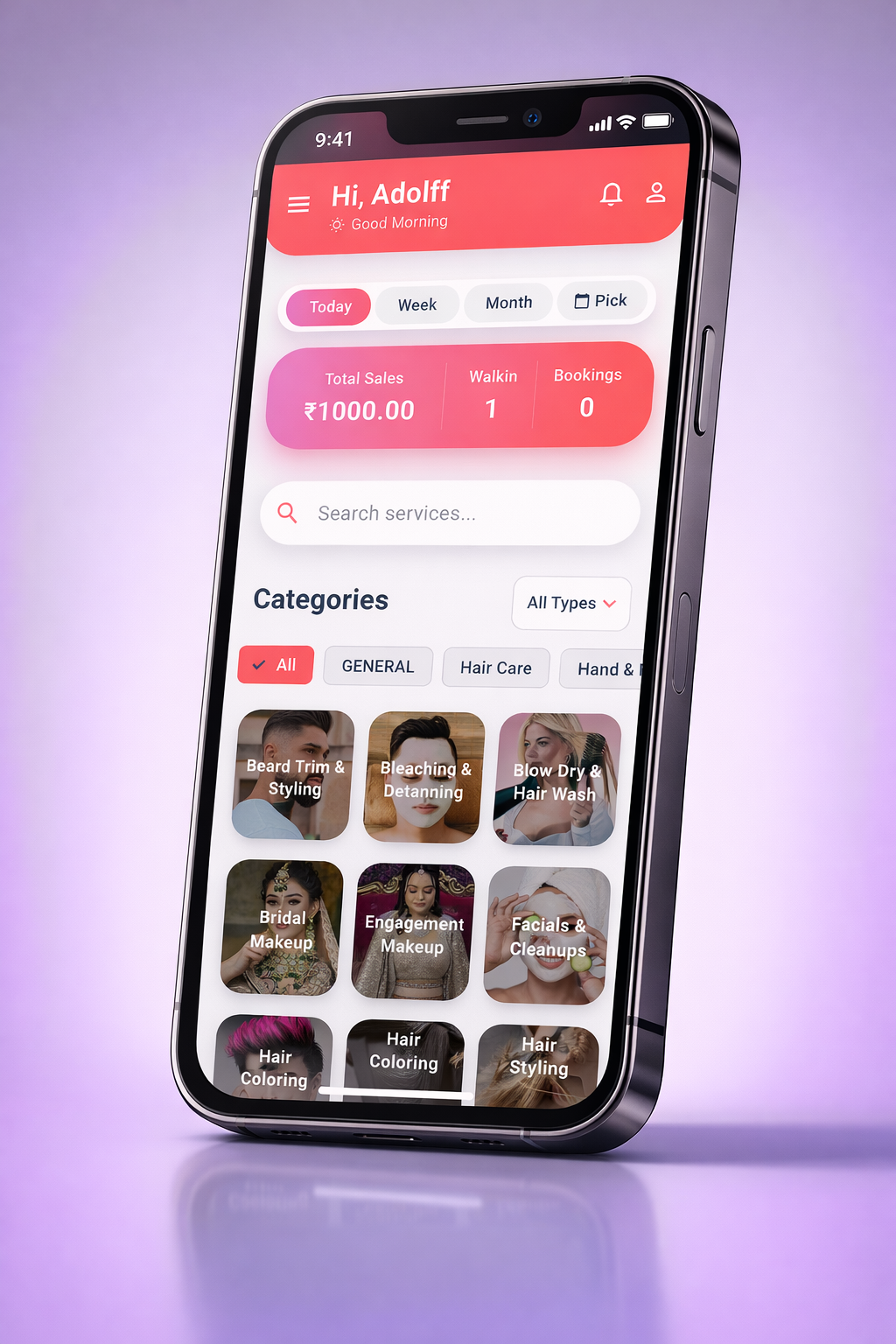
Dashboard
02

Navigate Dashboard

After logging in, you'll land on the home dashboard showing your salon stats, services, and categories.

Profile Screen
03

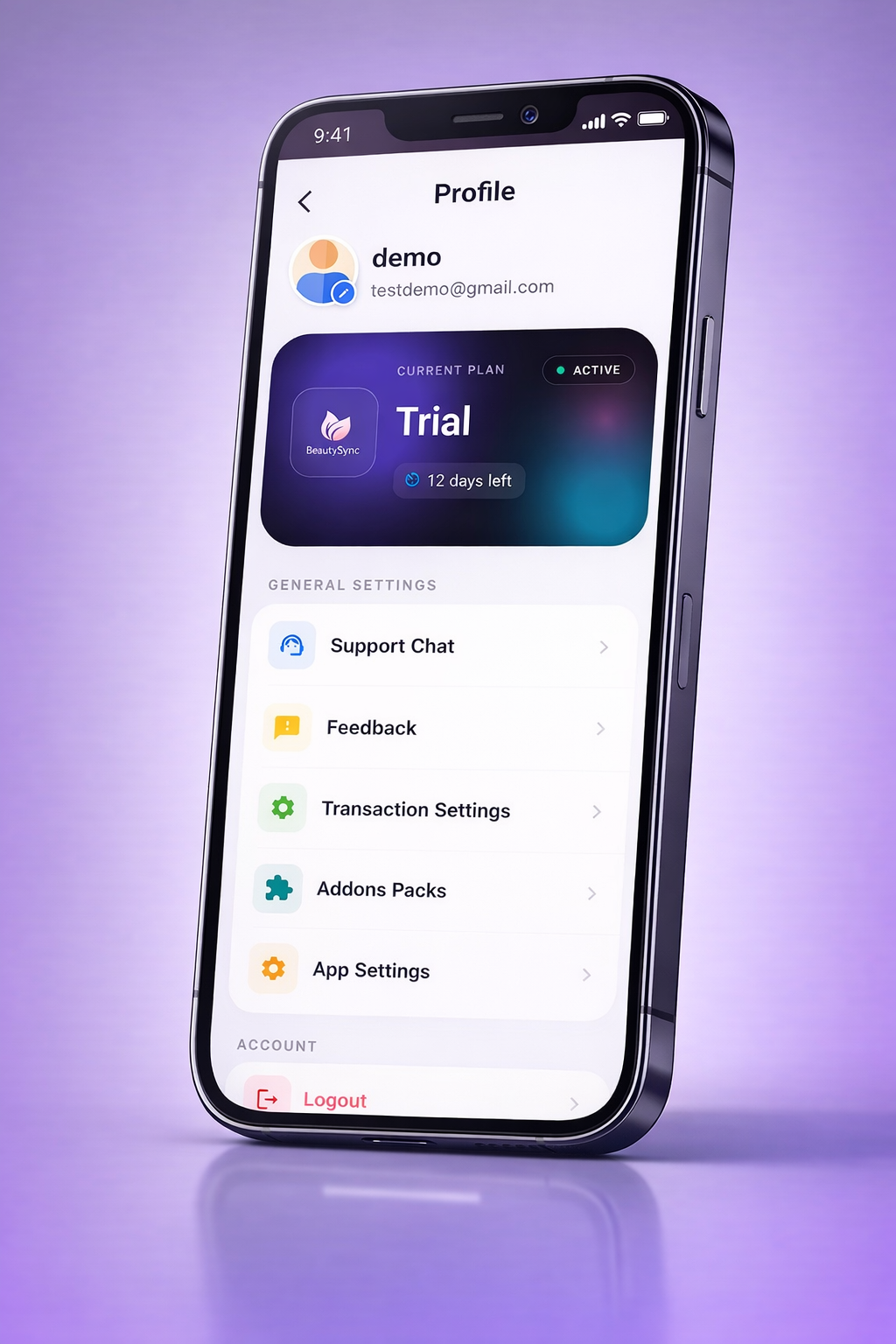
Open Profile

Tap the profile icon in the top-right corner and scroll down through your profile settings.

Delete Account
04

Tap Delete Account

Scroll to the bottom of your profile page and tap the "Delete Account" button.

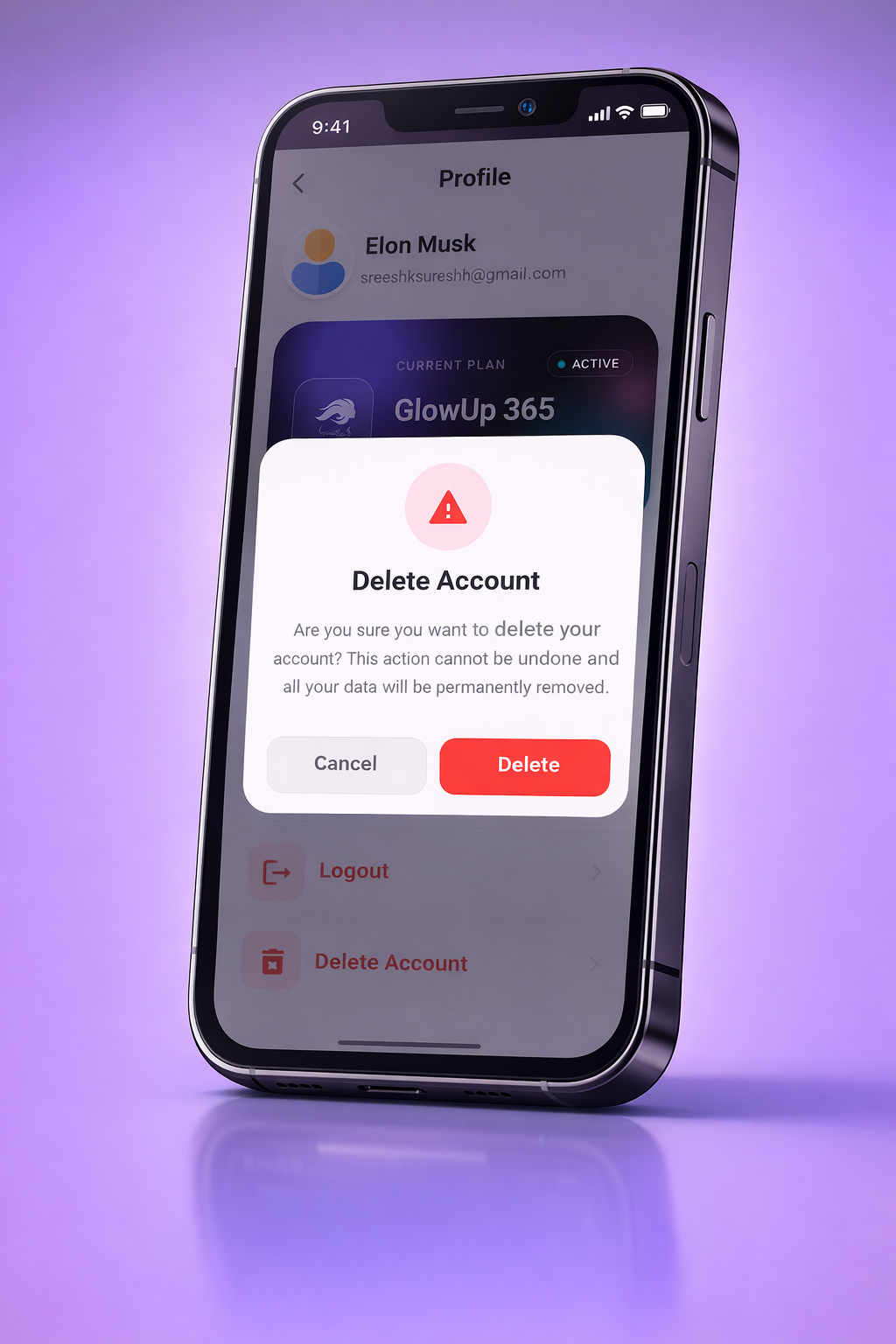
Delete Confirmation Popup
05

Confirm Deletion

A confirmation popup will appear asking you to verify. Tap "Delete" to permanently delete your account and all associated data.

What Gets Deleted

Complete transparency about the data affected when you remove your account.

Salon Profile

Your salon name, owner details, business address, phone number, GST info, and login credentials are permanently erased.

Sales & Billing

All invoices, sales transactions, payment records, tax reports, and financial history are permanently deleted.

Clients & Staff

Client database, appointment history, staff profiles, assigned roles, and all employee access records are removed.

Products & Services

Your service menu, product inventory, pricing, categories, and all catalogue data are permanently wiped from our systems.

Common Questions

Frequently Asked

No. Account deletion is permanent and irreversible. All your salon data including client records, service history, product inventory, sales reports, and billing information will be permanently removed from our servers.

All billing records, invoices, sales transactions, payment history, and financial reports associated with your salon account will be permanently deleted. We recommend downloading or exporting any required reports before initiating deletion.

Yes. When the owner account is deleted, all linked staff profiles and their access to the salon's Beauty Sync account will be revoked immediately. Staff members will no longer be able to log in or view any salon data.

Account deletion is processed instantly upon confirmation. Your salon profile is deactivated immediately and all associated data — including appointments, products, services, and client details — is purged from our servers within 24 hours.

Any active subscription will be automatically cancelled upon account deletion. No further charges will be applied. Please note that any remaining balance or unused subscription period is non-refundable. We recommend using your subscription fully before proceeding with account deletion.

Yes, you can register a new Beauty Sync account at any time after deletion. However, none of your previous salon data, client records, billing history, or settings will be available. You will start fresh with a brand new setup.